
Welcome to the South Bay Suites Tenant Portal Guide
The easy way to pay rent.
What to Expect with the Rentec Tenant Portal
You have the ability too:
Set up one-time or recurring payments to pay rent with the click of a button.
See all payment history on your account or any amounts owing, deposits held, etc.
Change or stop payments anytime.
The First Time You Log In
Your log-in ID is: your email on file with South Bay Suites.
Your temporary password is: Password1
NOTE: Once you log in the first time, you MUST change your password via the Settings Tab.
Do not leave your bank info vulnerable.
There is no charge to use this service. It uses bank-grade encryption to do an ACH transfer via your checking account and is run by Rentec. The vast majority of our tenants pay rent this way.
We suggest bookmarking the link to allow for easy return, or downloading the optional apple or android phone apps. Or you can always find the link to Rentec, on this page.
Normal rent charges show up a day before the first of each month and need to be paid by at least the fifth to avoid late fees. But you can pay any amount anytime and it will remain on your account.
Manual Payment Options
Another Way to Pay Rent
We find the above online payment method to be very easy and safe, but of course you can always pay rent or charges with a physical check.
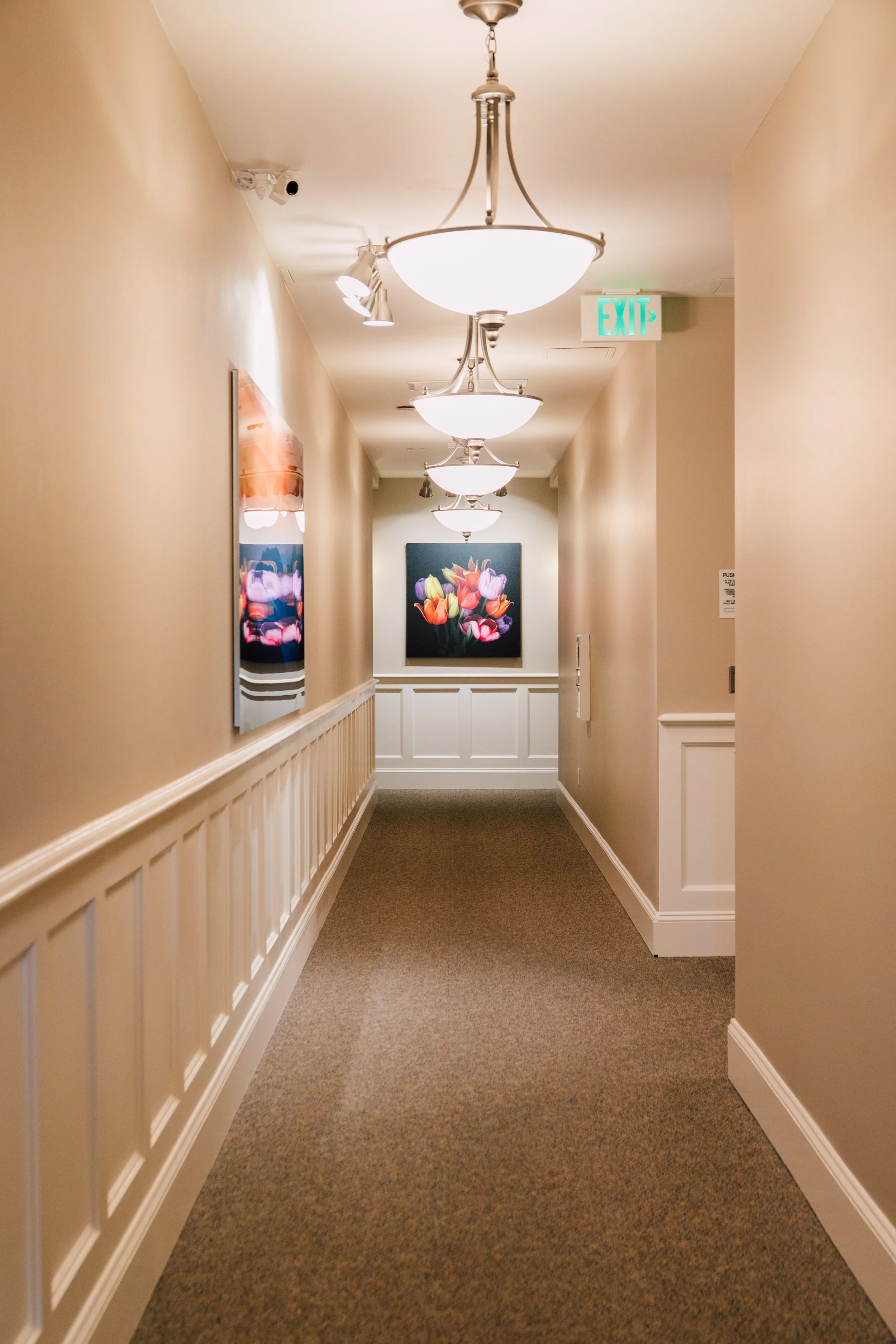
Drop it in the white mail slot on the first floor of South Bay Suites. It is located
opposite the washrooms on the first floor, next to the closet doors.
On-Site
South Bay Suites LLC
1140 10 th St. Apt. 402
Bellingham, WA 98225
Mail In
Questions?
Send us an email: info@southbaysuites.com